TITLE SCREEN – SLASH

No matching animations.
Export becomes available after the 3D preview loads.
Included asset contents
Title Screen – Slash includes 1 embedded animation clip. The full animation list is below.
All 1 included animation clips
- Title SlashEmbedded animation clip
Model views
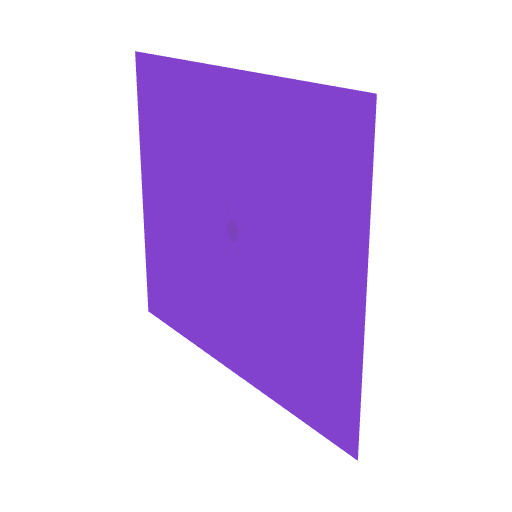
Catalogue renders of the actual model. Use the interactive preview above to rotate and inspect it.
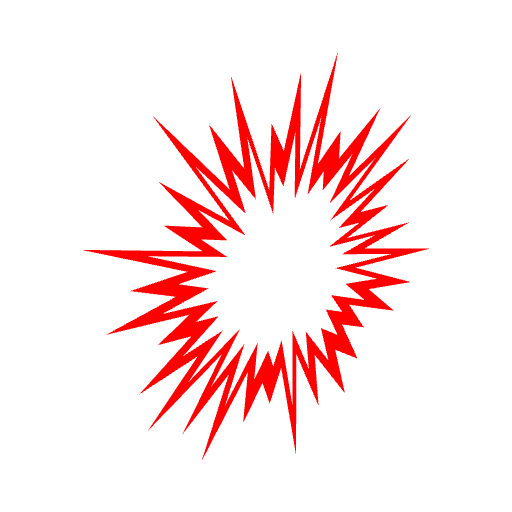
The two animated slashes that play on the title screen after the opening movie.
Related assets
Title Screen · Logo Fire Particle
The title screen includes separate particle art such as Title Screen · Logo Fire Particle, alongside the slash animation.
Smash logo animation
The vertical and horizontal strikes cut through the circle to reveal the finished Smash logo.

Asset details
- Asset type
- 3D model
- Game
- Super Smash Bros.
- Download format
- GLB
- Original model file size
- 29.33 KiB (30,036 bytes)
- Animation clips
- 1
- Triangles
- 32
- Vertices
- 64
- Textures
- 8
Download contents
The download is a binary glTF (GLB) model file. In Blender, choose File → Import → glTF 2.0 (.glb/.gltf) and select the downloaded file. You can inspect and edit the geometry and materials, and work with any included animation clips. Creating new animation may require rigging or other setup. Other 3D software needs glTF 2.0/GLB import support; material and animation support varies, so check the imported result.
Included animation clips
- Title Slash
Source and educational use
- Source file: ROM/Reloc/f167:0x28DA8/0x25F74/0x25FB4 (NTSC-U rev0, menu or staff roll)
- Import reference: ssb64-title-screen-slash
Assets on Nostalgia64 are always free to download for educational purposes.
Nostalgia64 is a fan-made catalogue of fan-uploaded assets, transformed and prepared for interactive viewing and educational study. Source records and preparation notes describe the available information for this entry.