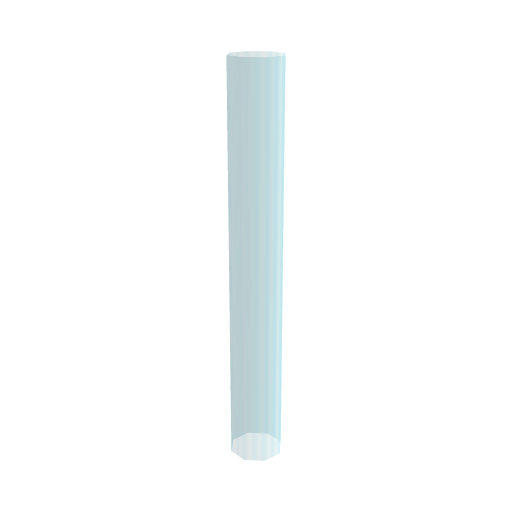
POKÉ BALL RAYS

No matching animations.
Export becomes available after the 3D preview loads.
Included asset contents
Poké Ball Rays includes 1 embedded animation clip. The full animation list is below.
All 1 included animation clips
- Poké Ball RaysEmbedded animation clip
Model views
Catalogue renders of the actual model. Use the interactive preview above to rotate and inspect it.
The spinning rays used when a Poké Ball opens and in Pokémon fighter entrances. Both ray groups extend, rotate and fade on the original 50-tick timeline.
Related assets
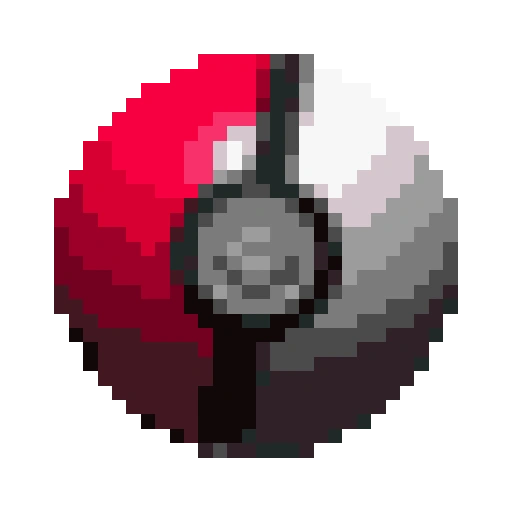
Poké Ball
The thrown Poké Ball opens with these rays to release a Pokémon.
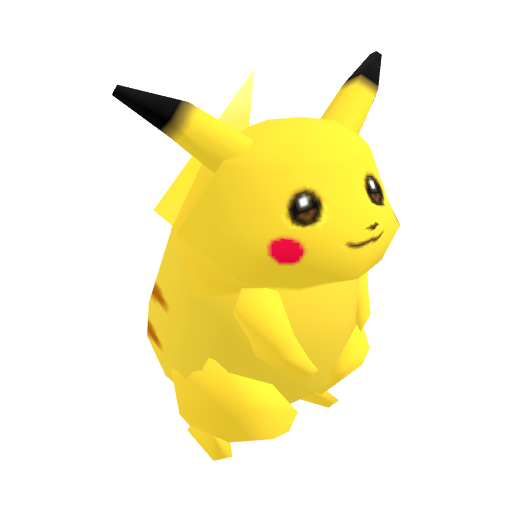
Pikachu and Jigglypuff – Entrance Poké Ball
Pikachu and Jigglypuff both enter a match in a Poké Ball that opens with these rays.


Asset details
- Asset type
- 3D model
- Game
- Super Smash Bros.
- Download format
- GLB
- Original model file size
- 12.78 KiB (13,084 bytes)
- Animation clips
- 1
- Triangles
- 8
- Vertices
- 20
- Textures
- 1
Download contents
The download is a binary glTF (GLB) model file. In Blender, choose File → Import → glTF 2.0 (.glb/.gltf) and select the downloaded file. You can inspect and edit the geometry and materials, and work with any included animation clips. Creating new animation may require rigging or other setup. Other 3D software needs glTF 2.0/GLB import support; material and animation support varies, so check the imported result.
Included animation clips
- Poké Ball Rays
Recorded limitations
- The Nostalgia64 viewer plays the original material fade. Other GLB viewers may show the movement without the fade.
Source and educational use
- Source file: ROM/Reloc/f85:0x0628/0x0710/0x0860 (NTSC-U rev0)
- Import reference: ssb64-pokeball-rays
Assets on Nostalgia64 are always free to download for educational purposes.
Nostalgia64 is a fan-made catalogue of fan-uploaded assets, transformed and prepared for interactive viewing and educational study. Source records and preparation notes describe the available information for this entry.