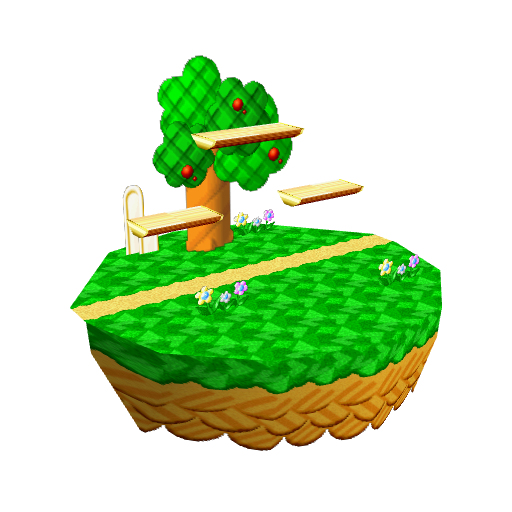
HOW TO PLAY – FIXED TERRAIN
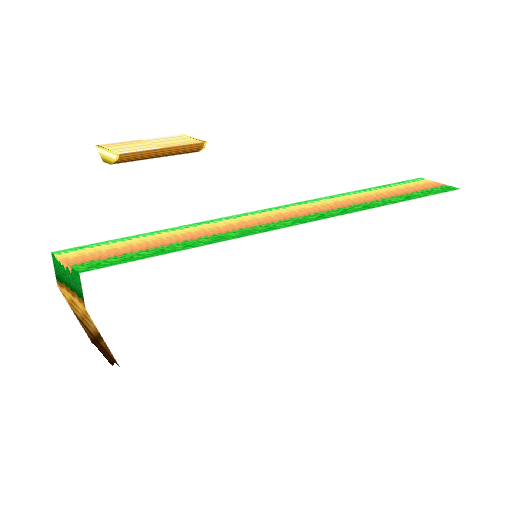
No matching animations.
Export becomes available after the 3D preview loads.
Included asset contents
No embedded animation clips are recorded for How to Play – Fixed Terrain.
Model views
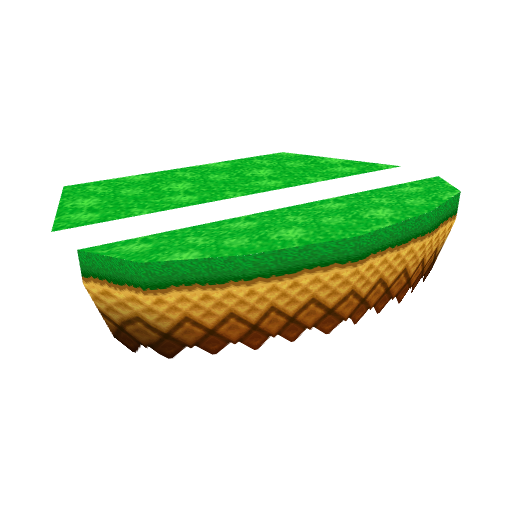
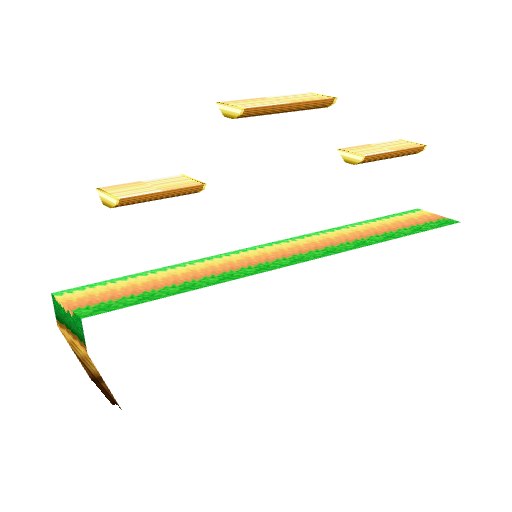
Catalogue renders of the actual model. Use the interactive preview above to rotate and inspect it.
The fixed platform geometry used in the How to Play tutorial, including the main deck, raised platform and textured cutout trim. The surrounding scenery and tutorial action are separate.
Related assets
How to Play
These assets belong to the How to Play demonstration.
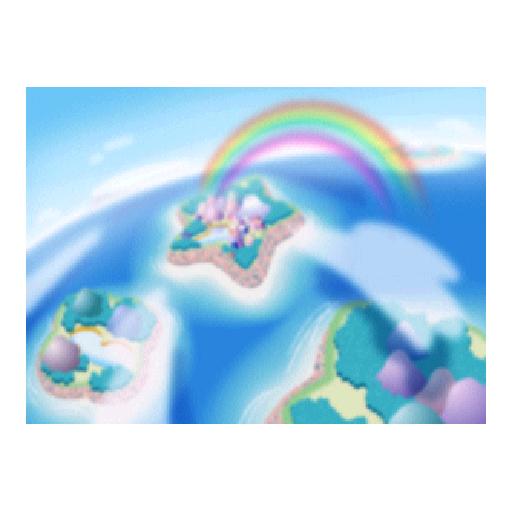
Stage backgrounds
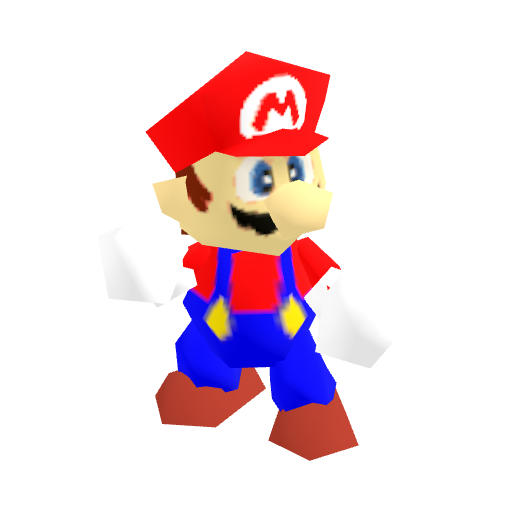
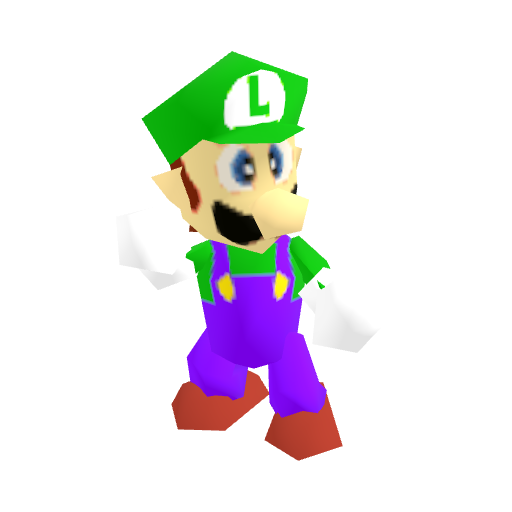
Tutorial fighters
The title-screen tutorial demonstrates the controls with Mario and Luigi on this stage.
Dream Land layout comparison
The tutorial layout resembles Dream Land but uses only one raised platform.
Tutorial input prompts
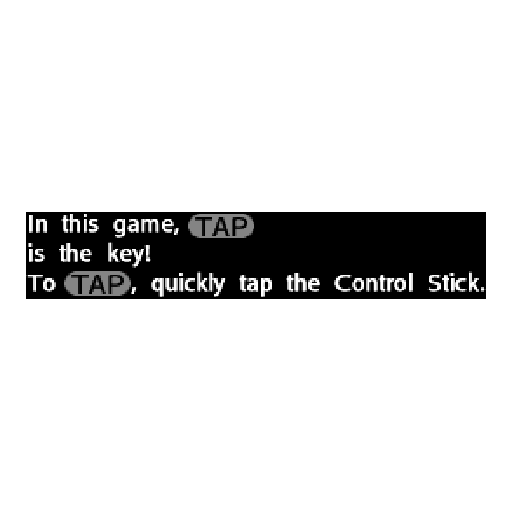
These button, stick, and combination prompts appear over the arena as the tutorial demonstrates attacks and movement.
Item demonstration
The tutorial spawns a Fire Flower during its lesson on picking up, using, and throwing items.



Asset details
- Asset type
- 3D model
- Game
- Super Smash Bros.
- Download format
- GLB
- Original model file size
- 11.18 KiB (11,452 bytes)
- Animation clips
- 0
- Triangles
- 32
- Vertices
- 42
- Textures
- 5
Download contents
The download is a binary glTF (GLB) model file. In Blender, choose File → Import → glTF 2.0 (.glb/.gltf) and select the downloaded file. You can inspect and edit the geometry and materials, and work with any included animation clips. Creating new animation may require rigging or other setup. Other 3D software needs glTF 2.0/GLB import support; material and animation support varies, so check the imported result.
Recorded limitations
- This is the fixed inner layer of the How to Play tutorial, not a versus stage. The backdrop, other stage layers, tutorial fighters, scripting and overlays are separate.
- All 32 fixed faces are included; four use the original cutout trim. Nostalgia64’s viewer reproduces the verified texture and vertex-shade calculation. Other GLB viewers use a standard material fallback.
- Neither viewer reproduces the Nintendo 64’s exact framebuffer, fog, or subpixel coverage.
Source and educational use
- Source file: ROM/Reloc/Stage/f267:0x0, f115:0x720, f115:0x400 (NTSC-U rev0, tutorial kind 11, layer 1 head 0)
- Import reference: ssb64-how-to-play-fixed-terrain
Assets on Nostalgia64 are always free to download for educational purposes.
Nostalgia64 is a fan-made catalogue of fan-uploaded assets, transformed and prepared for interactive viewing and educational study. Source records and preparation notes describe the available information for this entry.