YOUNG GOHMA
No matching animations.
Included asset contents
Young Gohma includes 11 embedded animation clips. The full source clip names are listed below.
Included names: Object Gol Damaged, Object Gol Dead Twitching, Object Gol Death, Object Gol Jump Headbutt.
All 11 included animation clips
- Object Gol DamagedSource name: gObjectGolDamagedAnimEmbedded animation clip
- Object Gol Dead TwitchingSource name: gObjectGolDeadTwitchingAnimEmbedded animation clip
- Object Gol DeathSource name: gObjectGolDeathAnimEmbedded animation clip
- Object Gol Jump HeadbuttSource name: gObjectGolJumpHeadbuttAnimEmbedded animation clip
- Object Gol Land From JumpSource name: gObjectGolLandFromJumpAnimEmbedded animation clip
- Object Gol Prepare JumpSource name: gObjectGolPrepareJumpAnimEmbedded animation clip
- Object Gol RunningSource name: gObjectGolRunningAnimEmbedded animation clip
- Object Gol StandSource name: gObjectGolStandAnimEmbedded animation clip
- Object Gol Start RunningSource name: gObjectGolStartRunningAnimEmbedded animation clip
- Object Gol Stop RunningSource name: gObjectGolStopRunningAnimEmbedded animation clip
- Object Gol WalkSource name: gObjectGolWalkAnimEmbedded animation clip
Model views
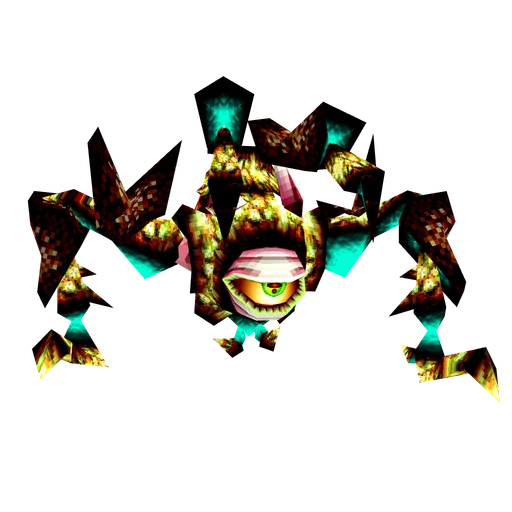
Catalogue renders of the actual model. Use the interactive preview above to rotate and inspect it.
Texture examples
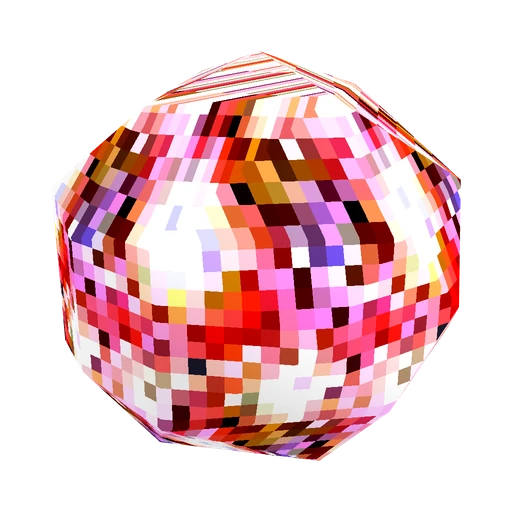
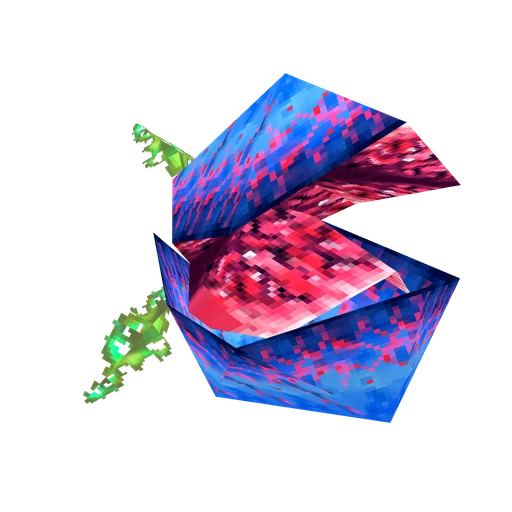
Byte-for-byte images from materials used by the model’s active scene, before material tinting or lighting. These examples are not the complete texture set.


Asset details
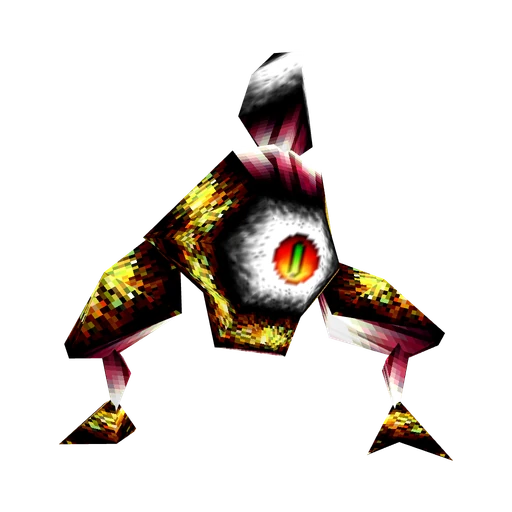
Young Gohma is a 3D model from Ocarina of Time with 95 triangles and 33 textures. It includes 11 animation clips. Source clip names include “gObjectGolWalkAnim”, “gObjectGolDamagedAnim”, “gObjectGolDeadTwitchingAnim”. Source limitation: Canonical PAL source clock, playSpeed 1; actor-specific playback overrides remain runtime metadata.
- Asset type
- 3D model
- Game
- Ocarina of Time
- Download format
- GLB
- Original model file size
- 465.17 KiB (476,336 bytes)
- Animation clips
- 11
- Triangles
- 95
- Vertices
- 269
- Textures
- 33
Download contents
The download is a binary glTF (GLB) model file. In Blender, choose File → Import → glTF 2.0 (.glb/.gltf) and select the downloaded file. You can inspect and edit the geometry and materials, and work with any included animation clips. Creating new animation may require rigging or other setup. Other 3D software needs glTF 2.0/GLB import support; material and animation support varies, so check the imported result.
Some included animation clips
- gObjectGolDamagedAnim
- gObjectGolDeadTwitchingAnim
- gObjectGolDeathAnim
- gObjectGolJumpHeadbuttAnim
- gObjectGolLandFromJumpAnim
- gObjectGolPrepareJumpAnim
- gObjectGolRunningAnim
- gObjectGolStandAnim
Use the animation picker to explore all 11 included clips.
Recorded limitations
- These animations use the timing recorded from the PAL version of the game, with the exported playback speed set to 1×. The game can change that speed for particular characters or actions. A standard glTF viewer plays the exported timing and does not automatically apply those game-specific speed changes. You can adjust playback speed in your 3D software.
- Finite source-space atlas sampling; static UV/LOD/runtime state
- The original game adds fog through its rendering engine. A plain glTF viewer does not automatically recreate that fog or the game’s lighting, so color, contrast and depth can look different. The difference may be subtle and depends on the scene and viewer settings. Adjust the scene’s fog and lighting in your 3D software if you want to approximate the in-game appearance.
Source and educational use
- Source file: rigged/gObjectGolSkel.glb
- Import reference: oot-6bf2e58882fe6a86
Assets on Nostalgia64 are always free to download for educational purposes.
Nostalgia64 is a fan-made catalogue of fan-uploaded assets, transformed and prepared for interactive viewing and educational study. Source records and preparation notes describe the available information for this entry.